How to Add a Funding Method
To deposit or withdraw funds from your GreatBless account, you must register and verify a funding method. In compliance with strict Anti-Money Laundering (AML) regulations, every funding method must be registered under your own verified legal name.
Step-by-Step Guide:
1. Log in to the GreatBless Client Portal at https://my.greatbless.com.
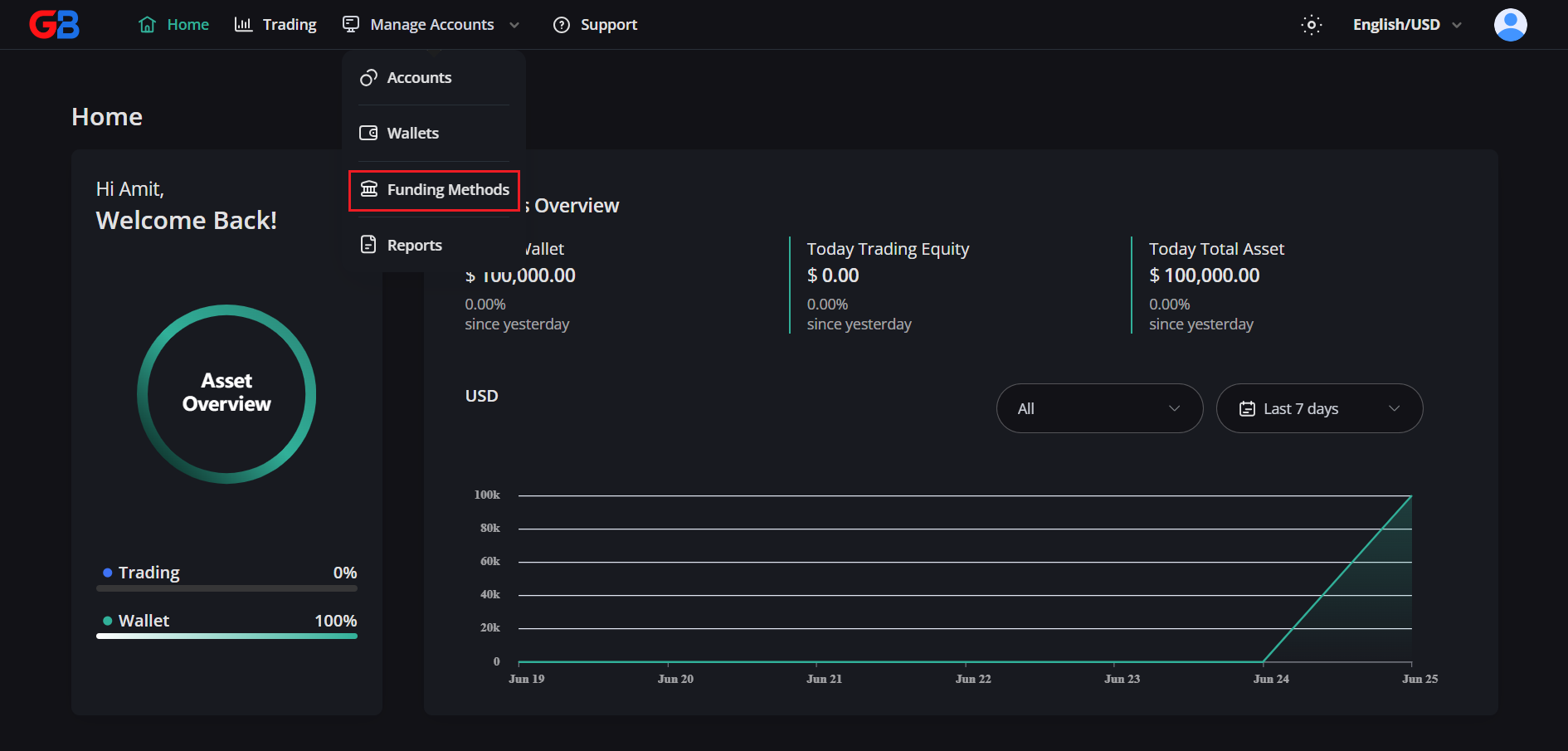
2. Select [Manage Accounts] from the top navigation menu, then choose [Funding Method] from the dropdown list.
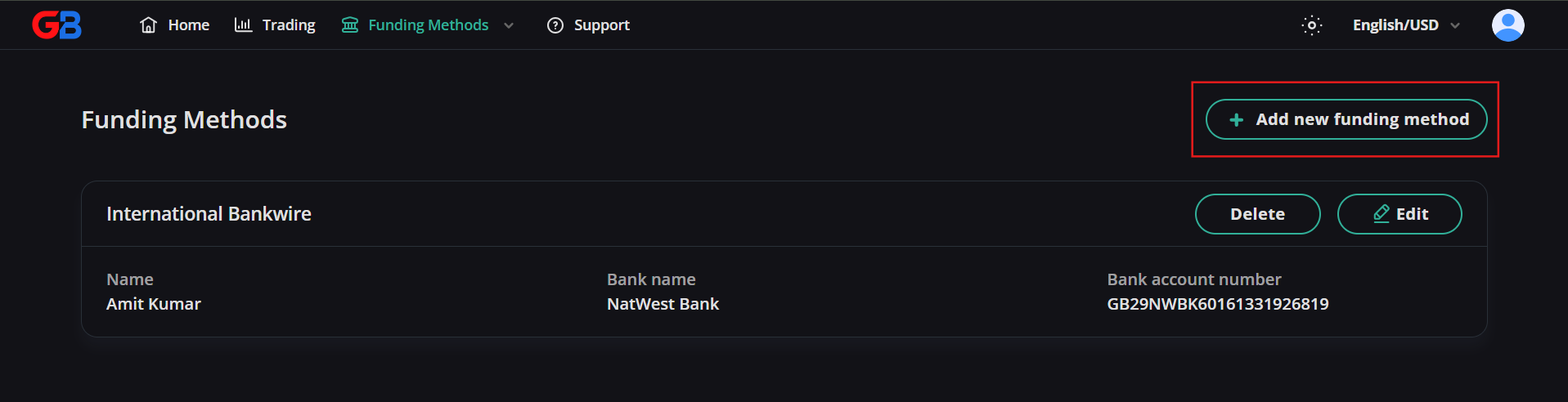
3. On the Funding Method Overview page, click [Add new funding method].
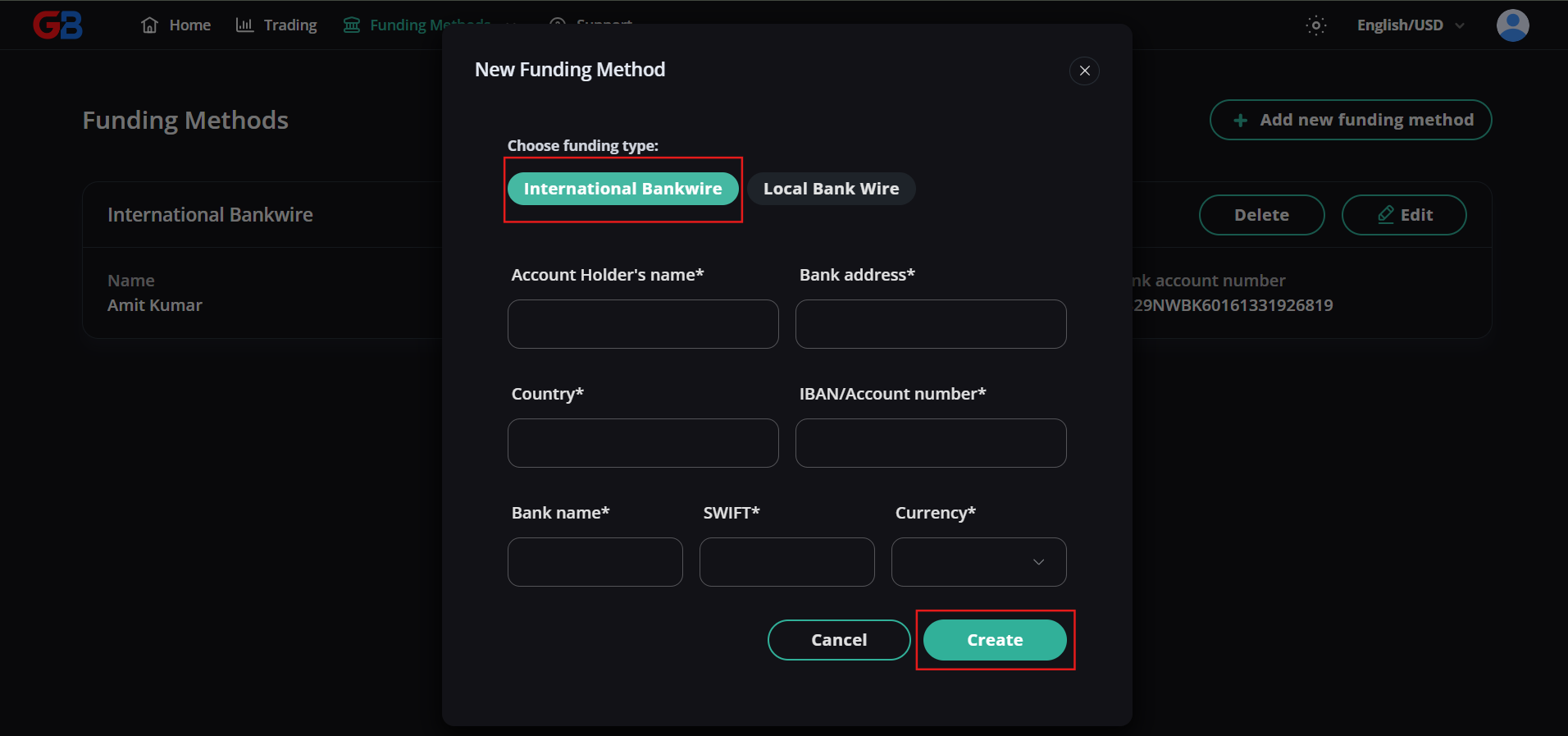
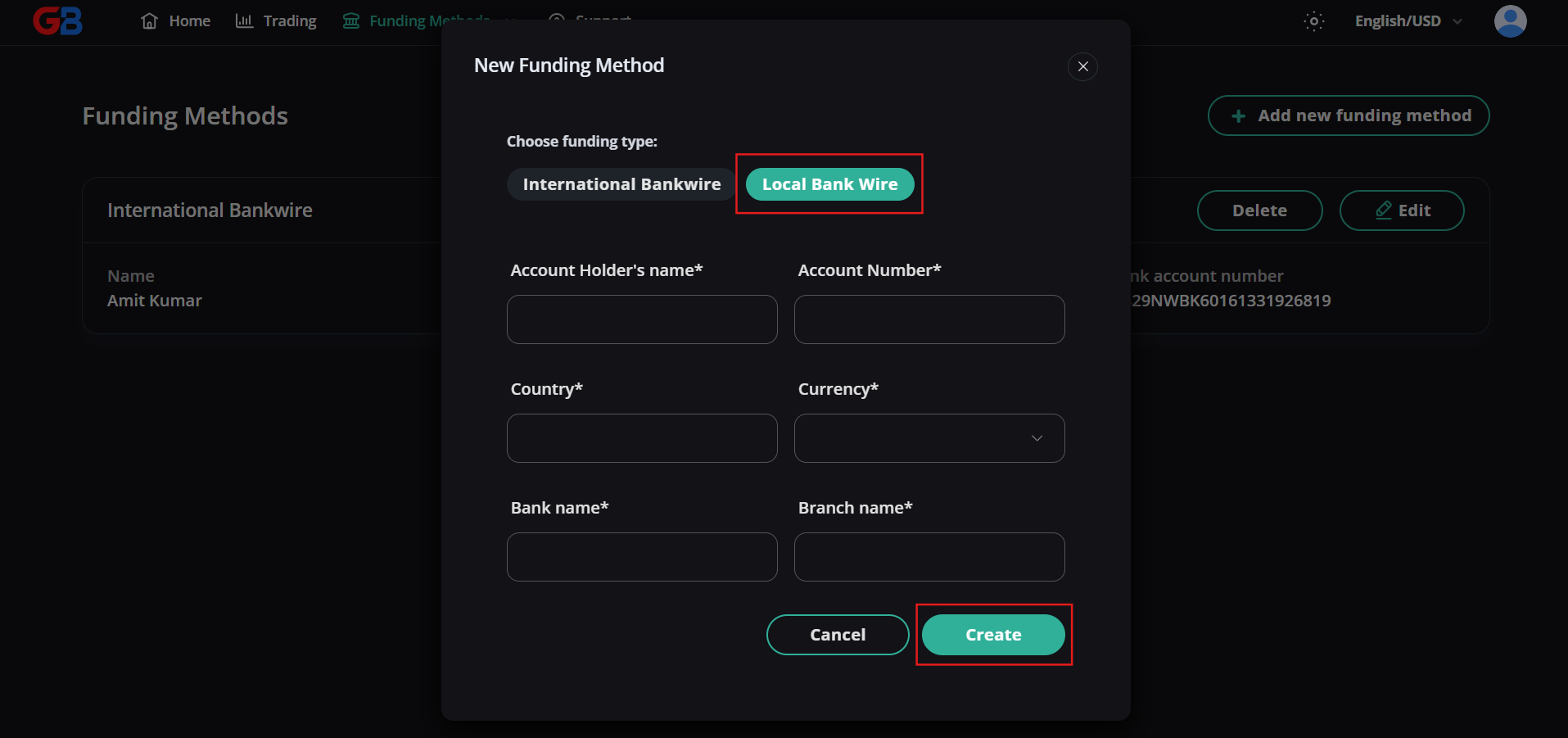
4. In the New Funding Method dialog, Match2Pay Crypto Payment Gateway is the only available funding method type.
5. Enter your public wallet address in the Wallet Address field.
6. Open the Crypto currency dropdown and select the cryptocurrency associated with your wallet address.
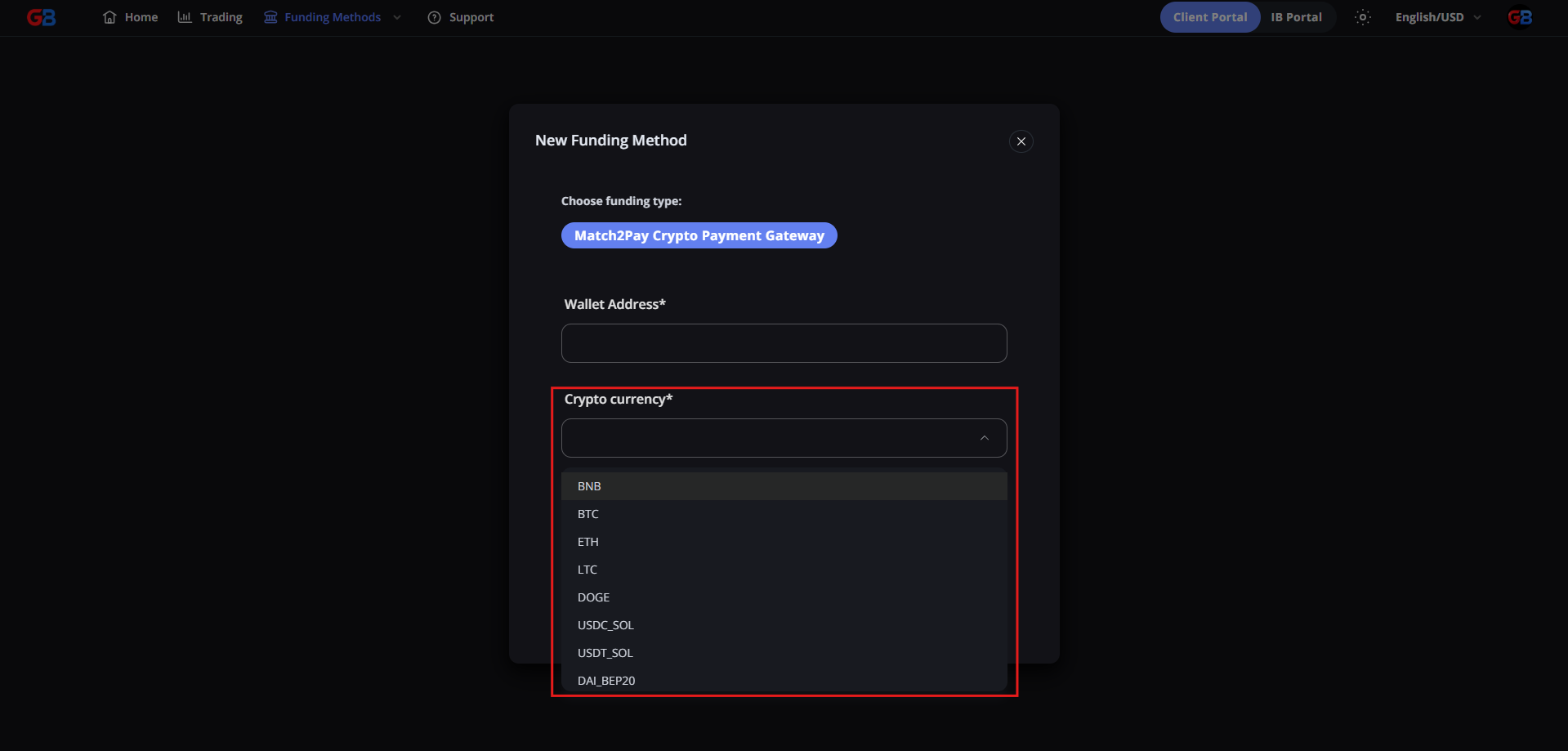
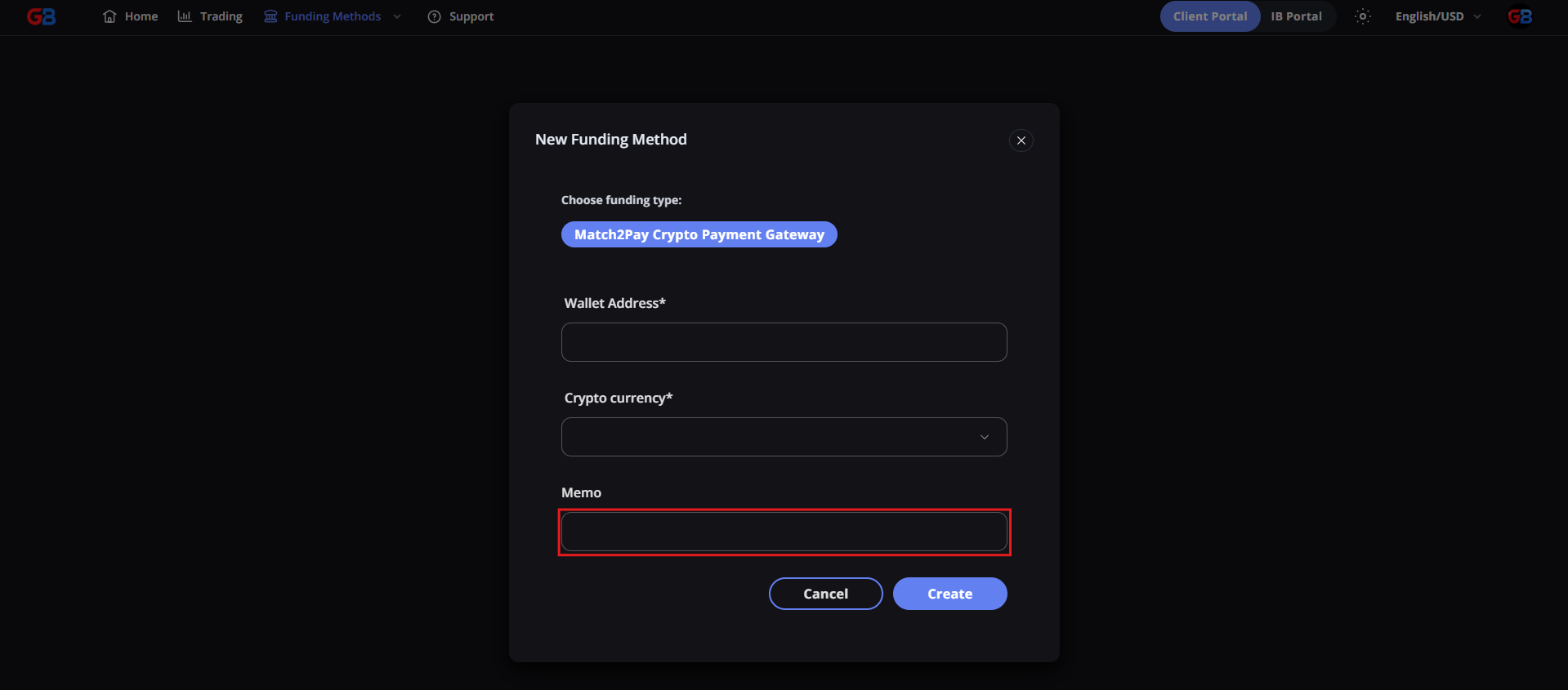
7. If your wallet requires a destination tag or memo, enter it in the Memo field. Otherwise, leave this field blank.
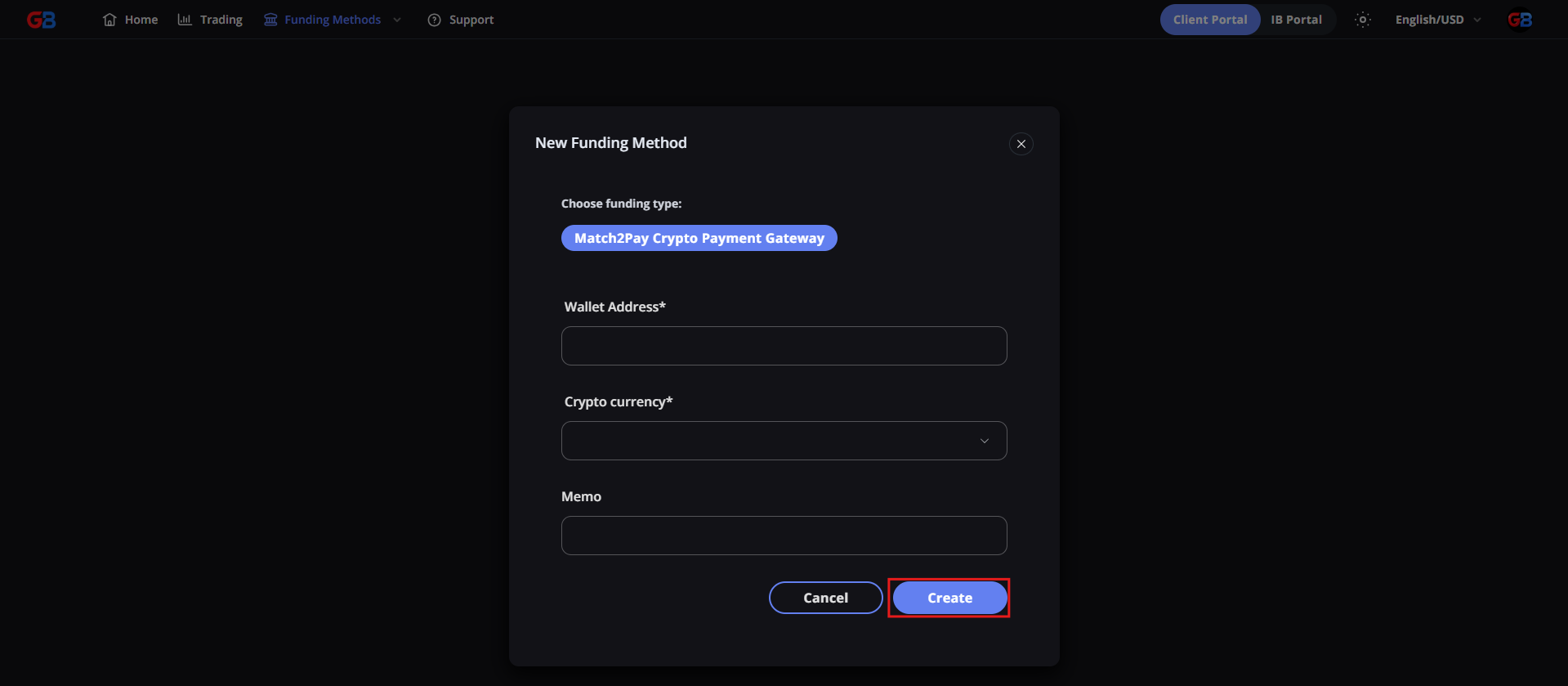
8. Review the wallet details carefully, then click [Create] to add the funding method.
Important Compliance Note: Only register a wallet address that belongs to you and that you control. Third-party payment methods are strictly rejected.
Which crypto address to register: if you deposit from your own wallet, register the address you send from. If you deposit from an exchange account (OKX, Binance, Bybit and similar), register the deposit address of an exchange account in your own name. For larger amounts to a new address, we ask once for proof that the account is yours — see How to Withdraw Funds from Your Wallet.