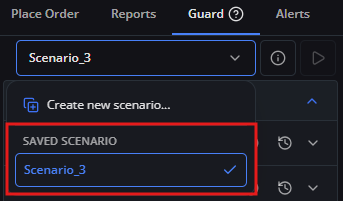
Deleting a Scenario
Active Scenario protection
You cannot delete a Scenario while it is actively running on an account during its locked commitment duration (7 to 90 days). A Scenario can only be deleted if it is not currently applied to an account or after its commitment duration has concluded.
Use this guide when you want to remove an inactive or expired Scenario that is no longer needed.
For example, you want to delete Scenario_1.
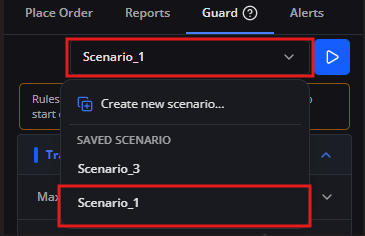
1. Click the scenario selector and select [Scenario_1].
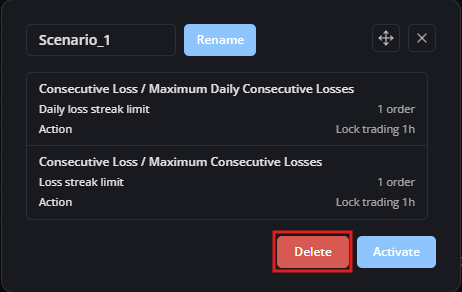
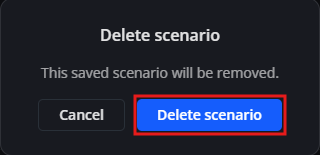
2. Click [Delete]. When the confirmation dialog appears, click [Yes] to confirm deletion.
3. Click the scenario selector again to confirm that Scenario_1 has been permanently removed from your account.