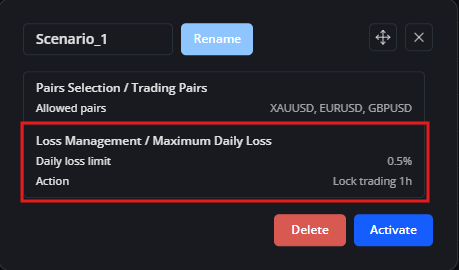
Updating a Commitment in a Scenario
Commitments follow the status and selected active period of their Scenario. While a Scenario is running, rules can be strengthened but cannot be disabled, loosened, or switched off before the commitment duration ends (Client Agreement §30.4). This ensures strict emotional discipline and prevents impulse overrides during market drawdowns.
Update a commitment in a Scenario that has not been run
In this example, you will update the Pair(s) selection commitment in Scenario_1, which has not yet been applied, by adding GBPUSD to the list of allowed trading pairs.
1. Open Trader's Guard and select [Scenario_1]. Make sure this Scenario has not been run.
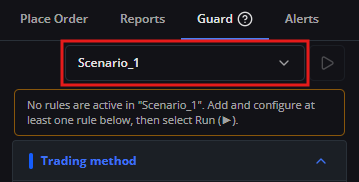
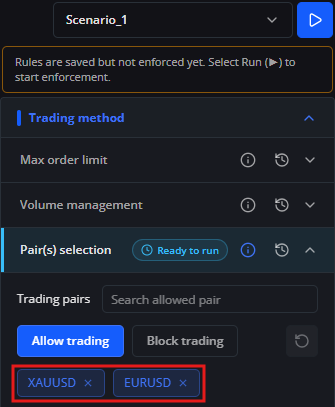
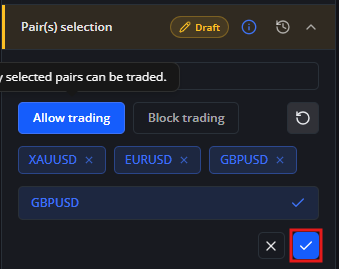
2. Open the [Pair(s) selection] commitment. The current allowed trading pairs are XAUUSD and EURUSD.
3. Search for GBPUSD, then select it to add it to the list of allowed trading pairs.
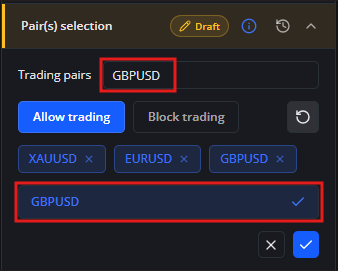
4. Click [✓], then click [Yes] to confirm the commitment change.
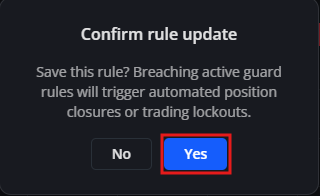
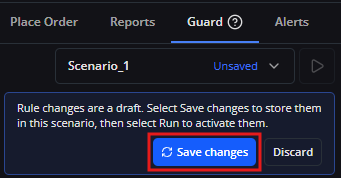
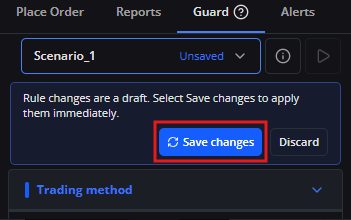
5. Click [Save changes] to save the update to Scenario_1. If you need to update multiple commitments, you can confirm each commitment first and then click [Save changes] once.
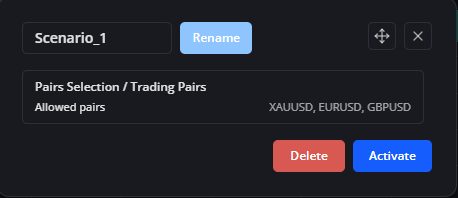
6. Review the commitment and confirm that its allowed trading pairs now include XAUUSD, EURUSD, and GBPUSD.
Update a commitment in a running Scenario
While a Scenario is active during its selected commitment period, you can update existing commitment parameters (to make them more protective) or add new commitments, but you cannot disable a commitment or switch to an unprotected Scenario. Follow Updating a Running Scenario for the full procedure.
Update a commitment in an expired Scenario
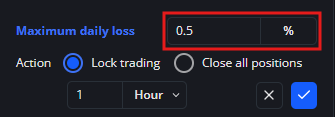
In this example, you will update the Loss management commitment in Scenario_1 after its active commitment period has expired by changing the maximum daily loss limit from 1% to 0.5%.
1. Open Trader's Guard and select [Scenario_1]. Make sure its selected active period has expired.
2. Open the [Loss management] commitment. In this example, the current maximum daily loss limit is 1%, and the action is to lock the account for 1 hour.
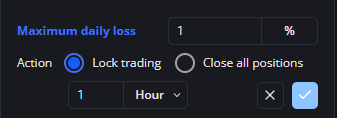
3. Change the maximum daily loss limit to 0.5%.
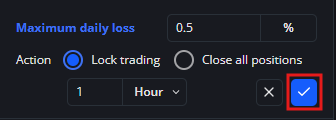
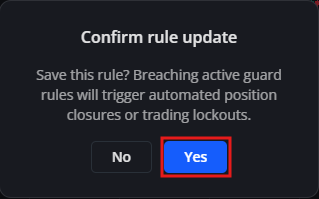
4. Click [✓], then click [Yes] to confirm the commitment change.
5. Click [Save changes] to save the update to Scenario_1.
6. Review the commitment and confirm that the maximum daily loss limit has been updated to 0.5%.