How to Trade on GreatBless WebTrade
The GreatBless WebTrade platform provides institutional-grade CFD trading directly within your modern web browser, eliminating the need to download or install local terminal software.
How to Start Trading:
1. Log in to the GreatBless Client Portal at https://my.greatbless.com.
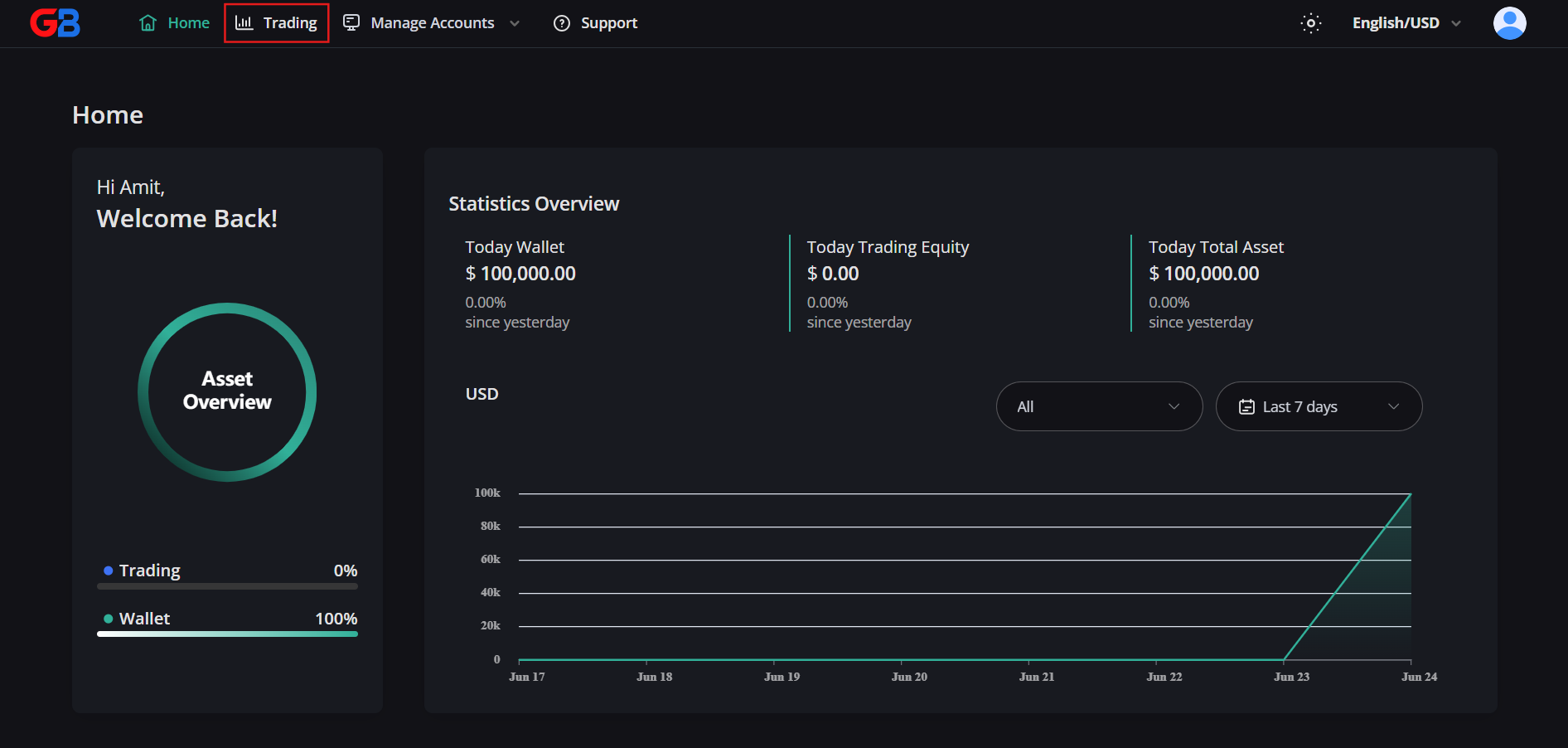
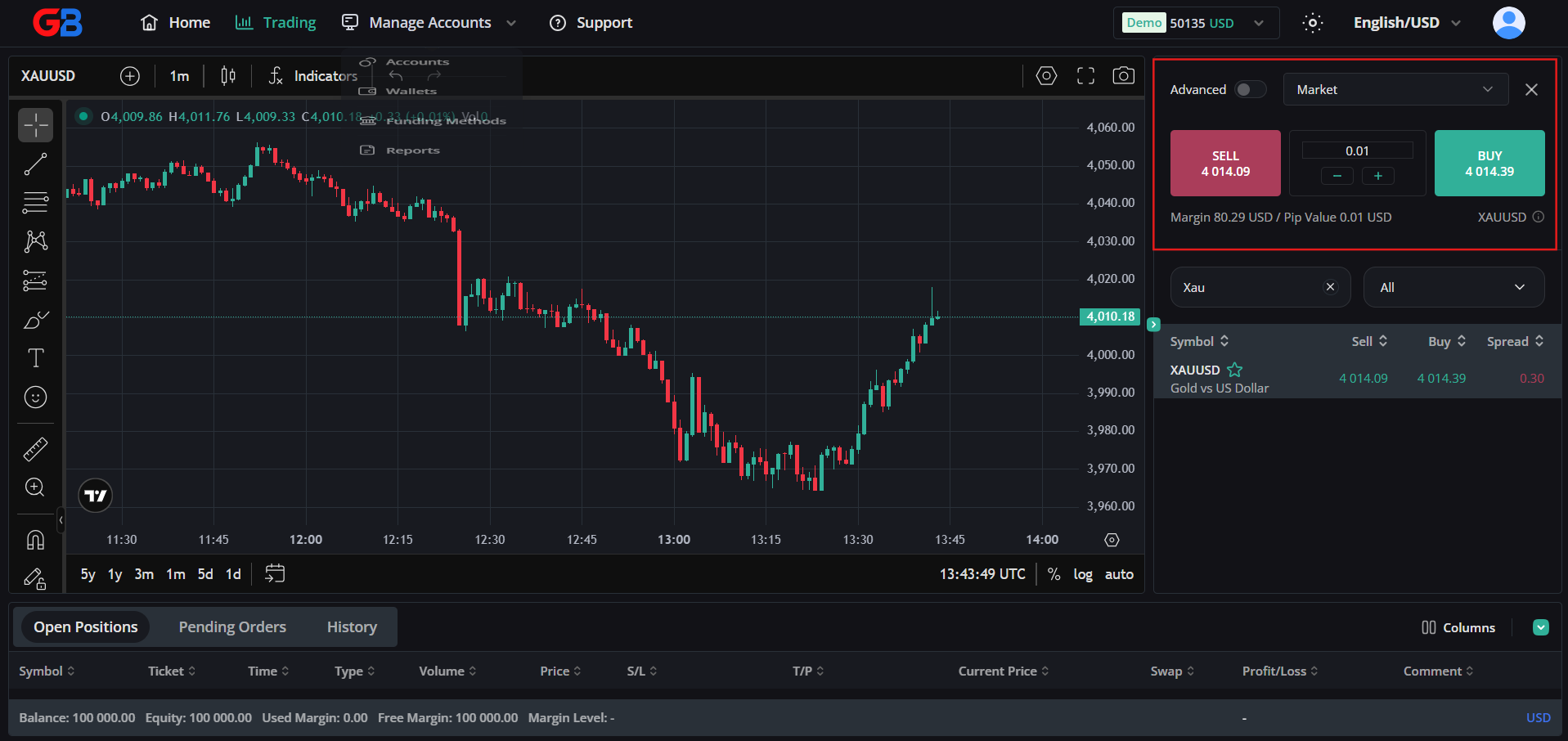
2. Select [Trading] from the navigation menu to launch WebTrade.
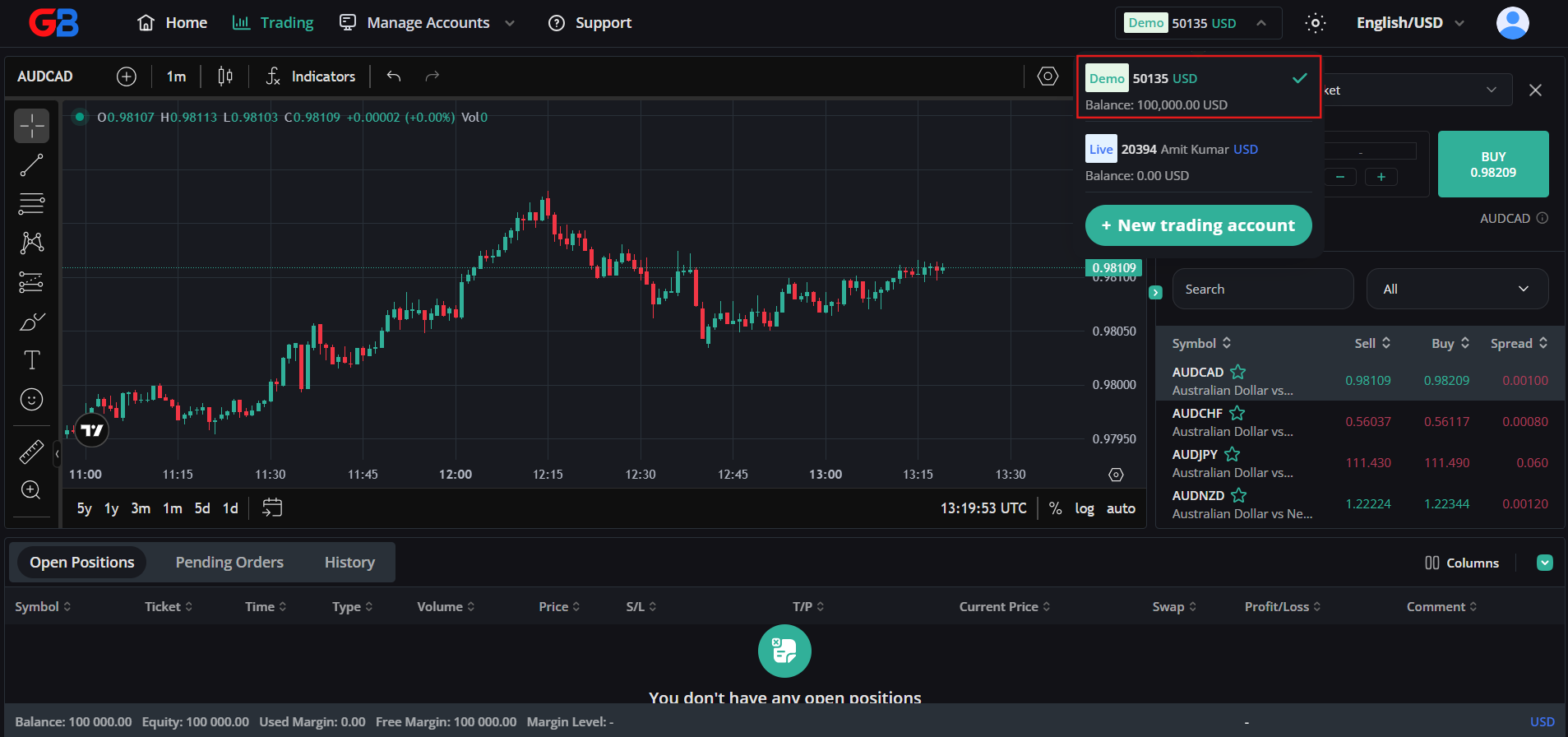
3. Select a Trading Account: Click the account selector dropdown at the top of the WebTrade header to select the account you want to trade with (for example, choose your Demo account for risk-free practice or your Live account). Always confirm the correct active account is displayed before submitting orders.
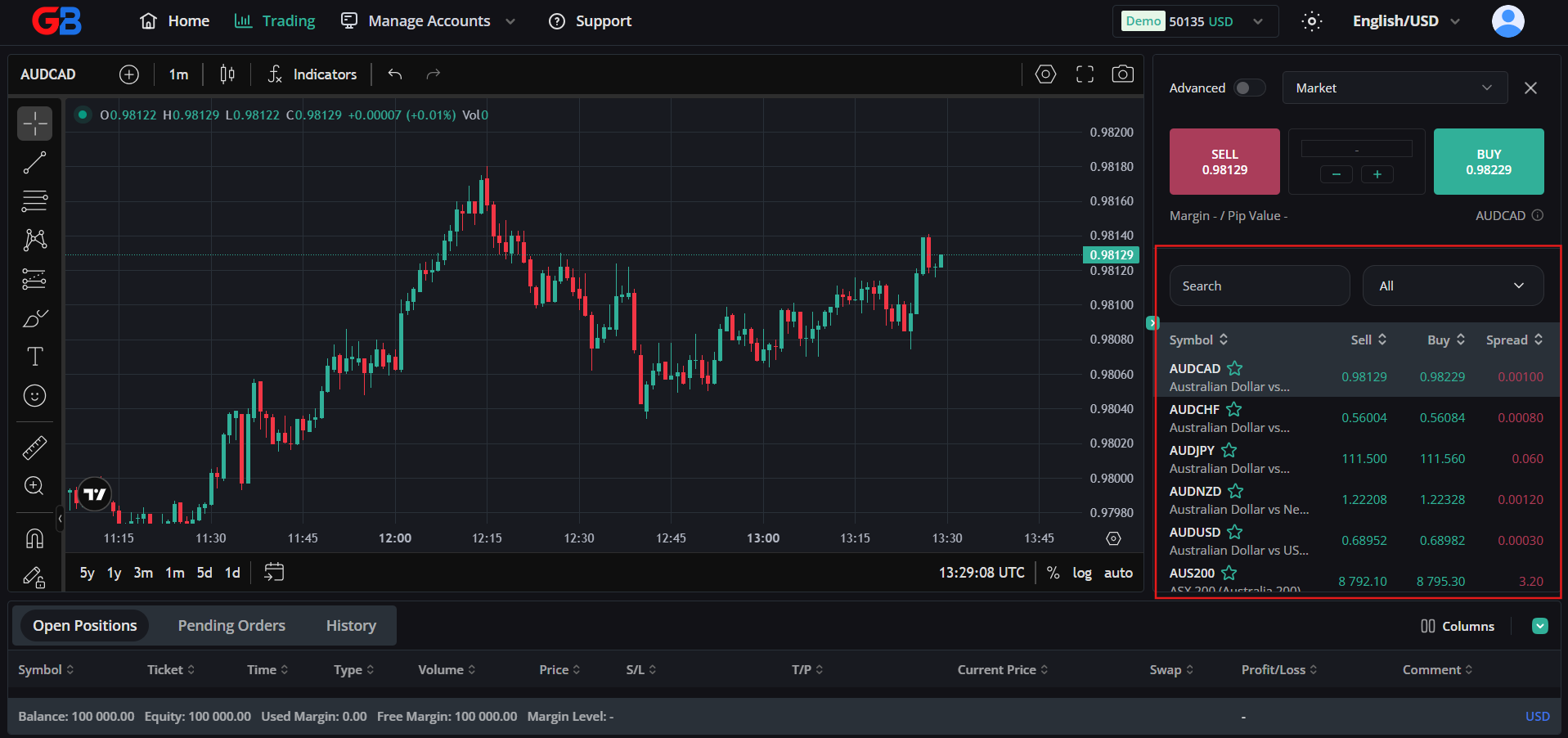
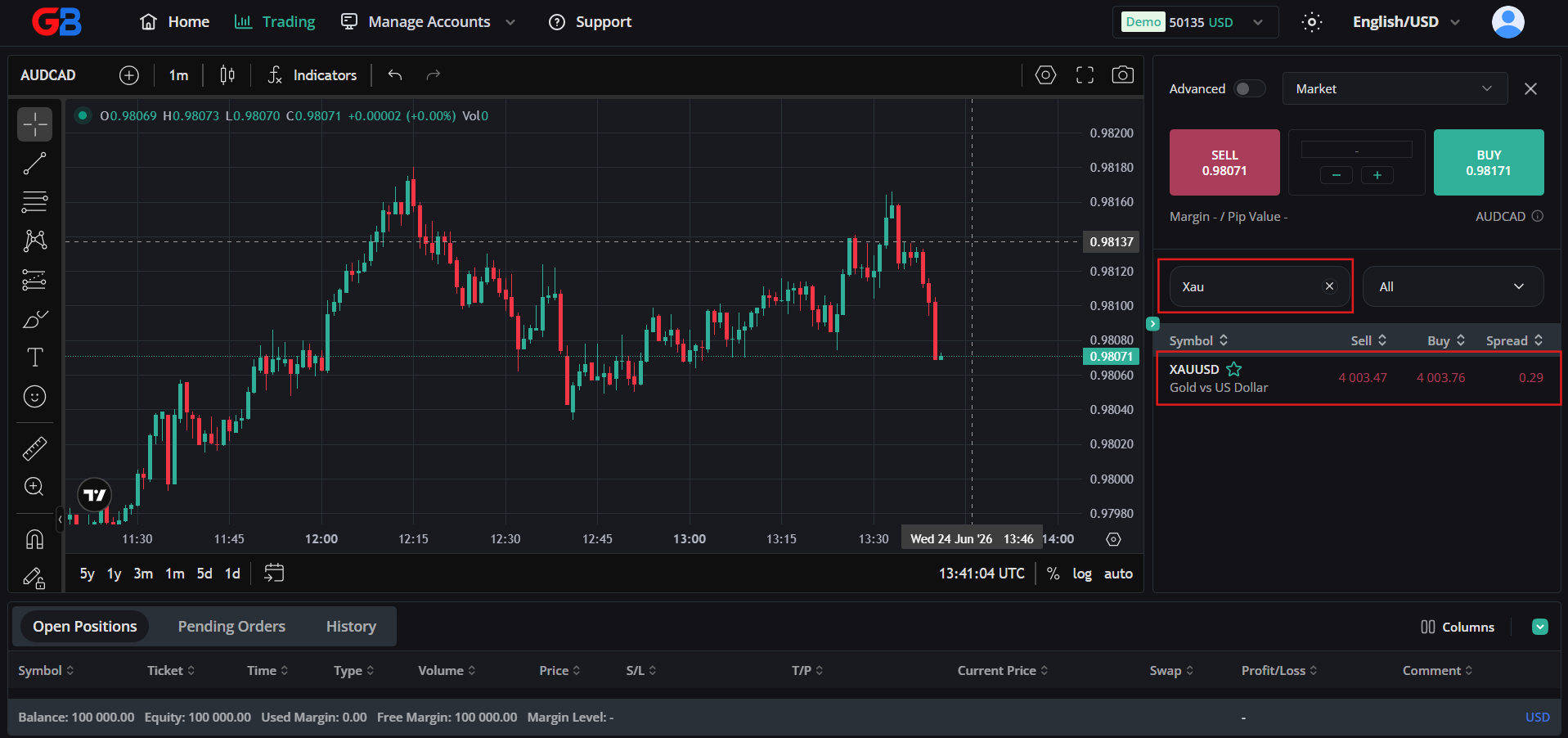
4. View Realtime Charts: Select a financial instrument (Forex, Metals, Energies, Indices, Cryptocurrencies) from the Market Watch panel to display its interactive TradingView chart. You can use the search bar to locate specific symbols such as XAUUSD.
5. Place an Order:
- Market Order: Enter your desired volume (lot size), then click BUY or SELL. In accordance with our Order Execution Policy, market orders are transmitted for execution at the best available market price. They are subject to prevailing market liquidity and potential slippage, particularly during volatile market events, high-impact economic releases, or liquidity gaps.
- Pending Order (Limit / Stop): Specify your target entry price along with predefined Stop Loss and Take Profit levels. Pending orders are triggered when the market price touches your specified order level.
- Position Sizing & Protection: Use Risk Amount to automatically calculate volume based on account balance percentage, and enable Auto SL/TP Protection to safeguard open positions.
6. Manage Positions and History: Monitor your open trades in real time and track closed deals through the Open Positions and History tabs at the bottom of your workspace.

