Renaming a Scenario
Use this guide when you want to change the display name of an existing Trader's Guard scenario.
For example, you want to rename Scenario_1 to Scenario_3.
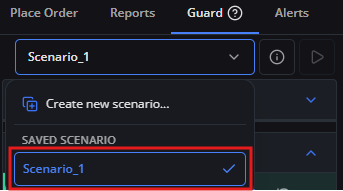
1. Select [Scenario_1] from the scenario selector.
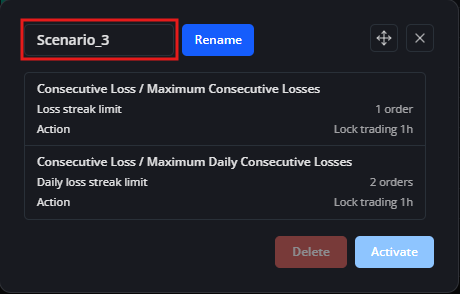
2. Enter the new name: Scenario_3.
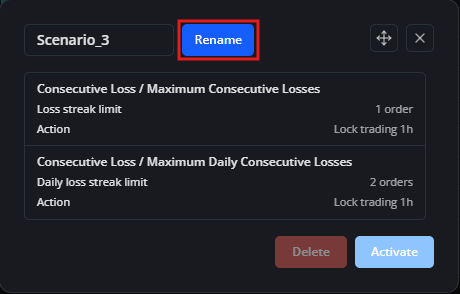
3. Click [Rename] to save the updated name.
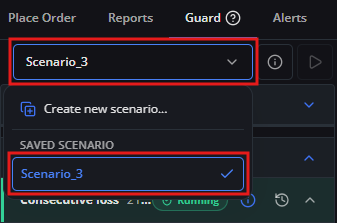
4. Click the scenario selector again to confirm that the scenario is now listed under its new name, Scenario_3.