How to Create a Live Trading Account
Live accounts execute real financial contracts subject to market risk. In accordance with regulatory requirements, your Identity Verification (KYC) must be approved before you can fund or execute live trades. Past performance or demo experience does not guarantee profitable live results.
Follow these steps to open a live trading account linked to your Client Portal:
1. Log in to your GreatBless Client Portal account.
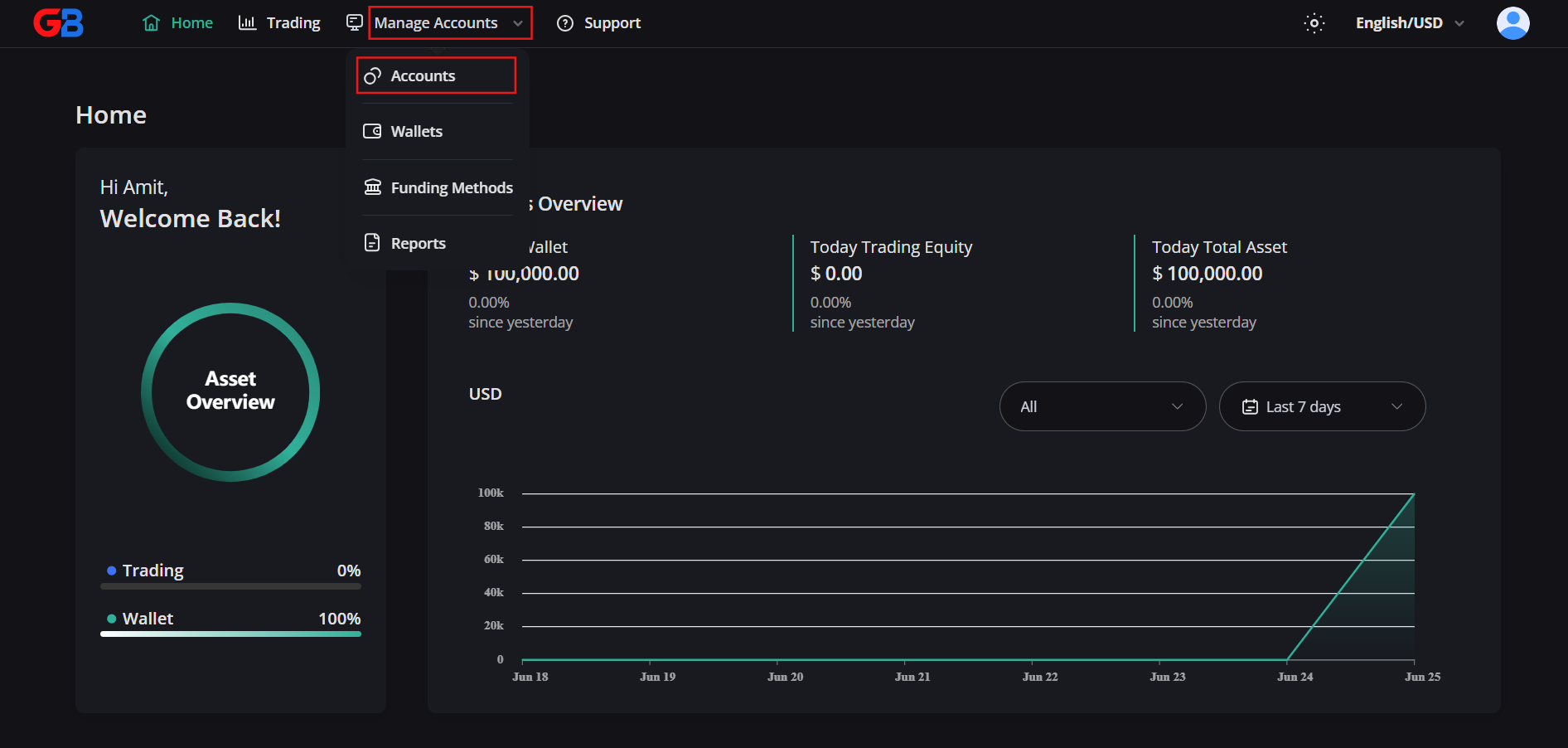
2. Click on Manage Accounts in the side navigation, then select Accounts.
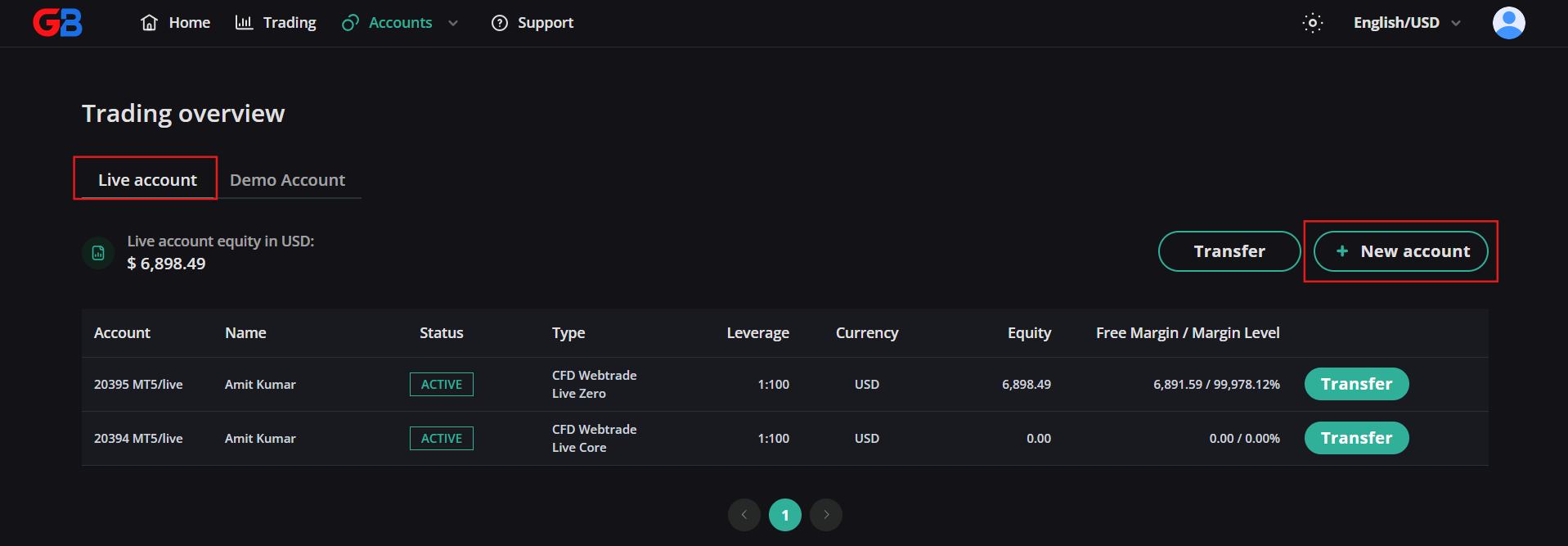
3. Switch to the Live Account tab, then click the [+ New account] button.
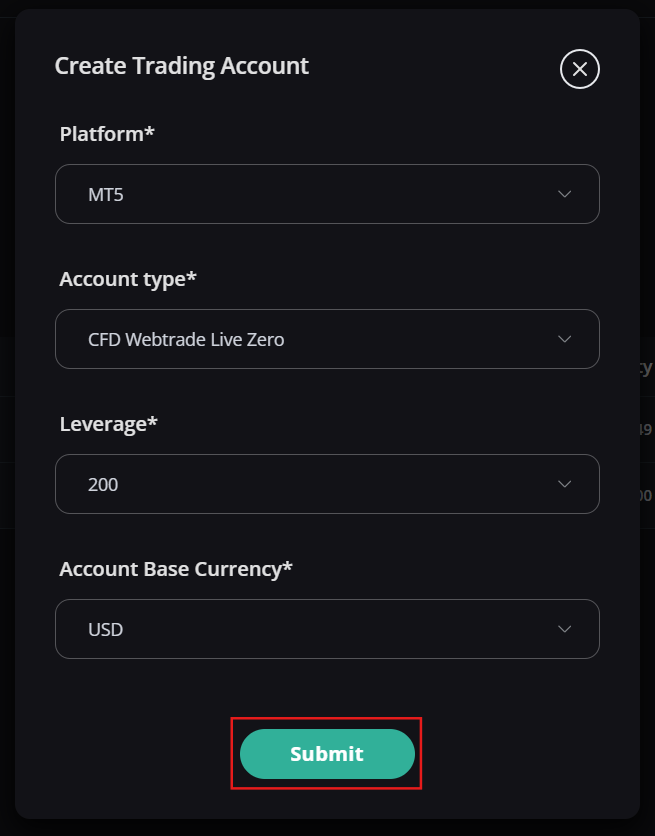
4. Configure your live account parameters: select your desired trading platform, account base currency (USD), and initial leverage ratio (subject to jurisdictional margin limits). Click Submit.
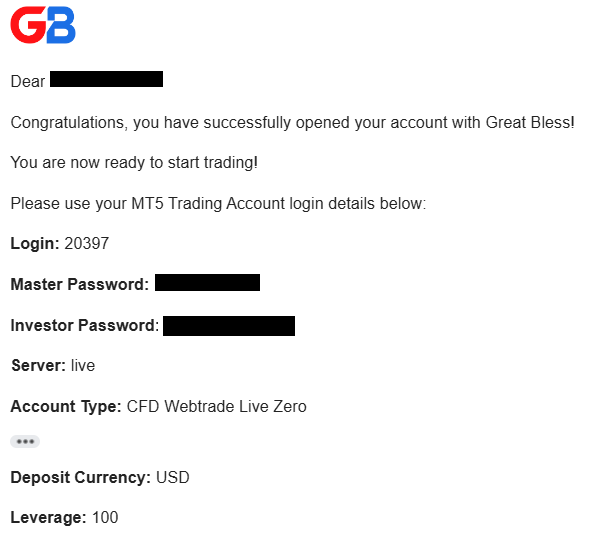
5. The system will provision your live account in the trading cluster. Your MetaTrader 5 credentials (MT5 Login ID, Master Password, Investor Password, and Access Server) will be delivered to your registered email address.
Once created, you can fund your live account from your verified wallet and connect via WebTrade or the MT5 terminal.